

Case study
Desktop Application
Cookeh Gaming Automation Platform
A Windows desktop application that emulates Android mobile games and automates in-game processes like resource farming and boss encounters, rebuilt with a modern interface and a new backend architecture.
At a glance
7 technologies · 4 outcomes captured below
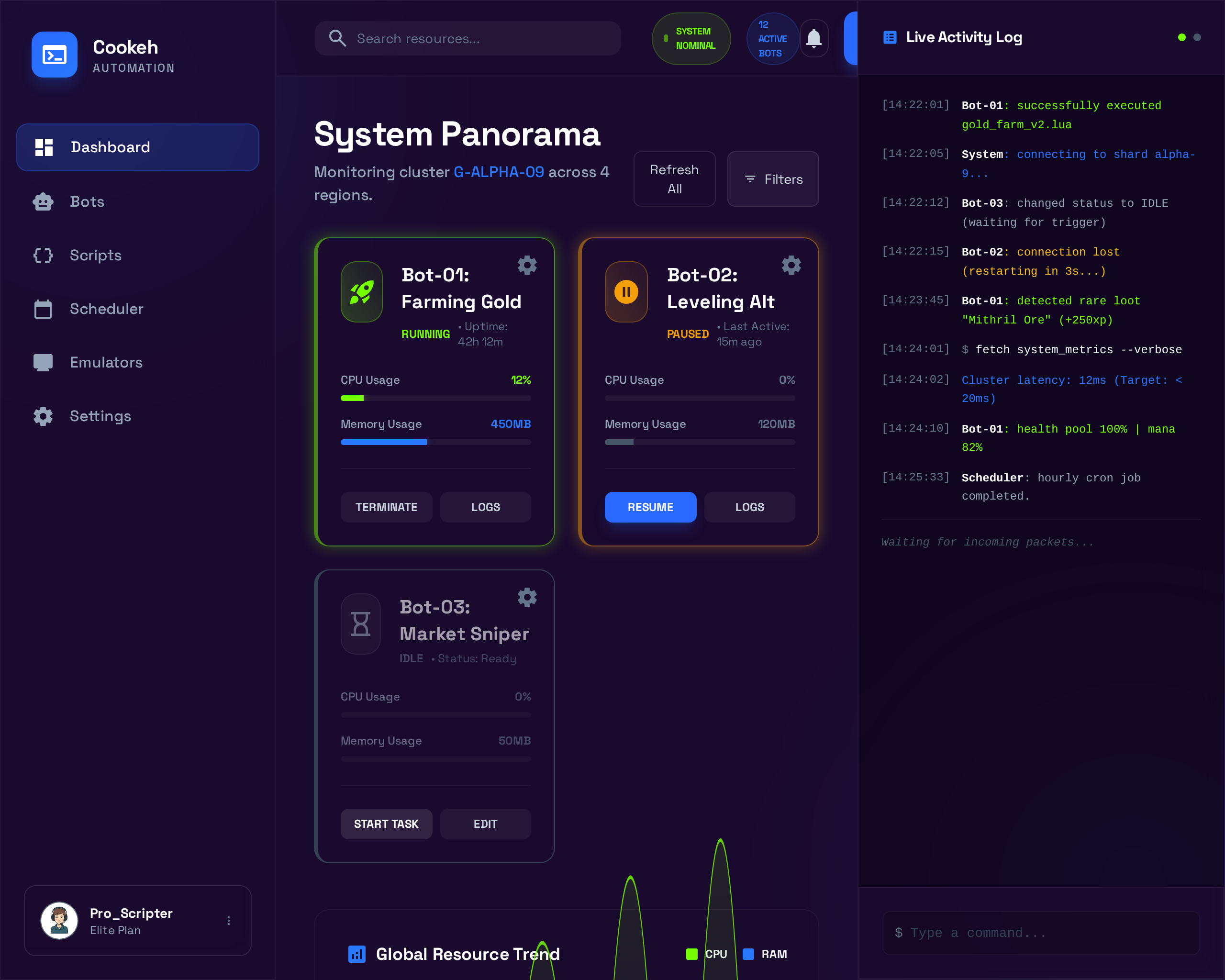
Case Study
Desktop Application
Context
Desktop Application
Focused product scope with measurable operational and user-facing outcomes.
Technologies Used
Problem Space
The Challenge
The existing application had deep functionality but no visual design — users faced dozens of tabs, dense settings, and no clear data hierarchy, making the tool difficult to use for anyone without advanced technical knowledge. The backend also needed to be rebuilt to support new features and real-time communication.
Delivery Response
Our Solution
BrilliMinds implemented the fully redesigned frontend in PyQt based on the new UI/UX specifications, integrated it with the existing application logic, and built an entirely new backend from scratch with Django and Golang — including WebSocket support for real-time communication between the desktop client and server infrastructure.
Inside the Build
The product goals, delivery process, users, design direction, and outcome
This section walks through what the product needed to solve, how it was delivered, who it serves, and what changed after launch.
Goals
Cookeh LLC operates a Windows desktop tool that emulates Android mobile games and automates in-game processes — resource farming, boss encounters, and repetitive tasks — so gamers can run automated sessions from their desktops. The application had powerful functionality under the hood, but the interface resembled an early-era settings panel with no visual hierarchy, and the backend could not support the next generation of features.
- Implement the new UI/UX design into a fully functional PyQt frontend, replacing the dense settings-heavy interface with a modern, game-themed experience that non-technical users can navigate.
- Integrate the new frontend with the existing application logic so that all current automation features continue to work without disruption.
- Build a new backend from scratch to support real-time communication, user management, payments, and scalable infrastructure for a growing user base.
Process
- 01
Frontend implementation and legacy integration
BrilliMinds received the complete UI/UX redesign specifications — including a restructured information architecture, glassmorphism visual design, dark and light modes, and a reorganized feature hierarchy. The team implemented the full interface in PyQt, translating every screen, interaction, and animation into a native Windows desktop experience. The critical challenge was wiring the new frontend into the existing application logic — the automation engine, emulator controls, game profiles, and activity parameters all had to work exactly as before through the new interface layer. This required deep understanding of the legacy codebase and careful integration point by point.
- 02
Backend architecture and real-time systems
In parallel, the backend was built from scratch. Django handled the core application logic — user accounts, subscription management, game and character profiles, and API endpoints. Golang was introduced for performance-critical services where concurrency and speed mattered. WebSocket interfaces were implemented to enable real-time communication between the desktop client and the server — pushing live status updates, session data, and cross-device synchronization. The system was deployed on AWS with EC2 for compute and RDS for managed database services.
- 03
Testing and platform stabilization
The integrated system — new frontend, legacy automation engine, and new backend — was tested end-to-end across multiple game profiles and automation scenarios. Edge cases around session interruption, reconnection, and state recovery over WebSocket were validated. The dark and light mode themes were tested across different Windows configurations and display settings. Performance profiling ensured the PyQt interface remained responsive even during heavy automation workloads running underneath.
Product Users
The primary users are gamers with varying levels of technical experience who want to automate repetitive gameplay tasks on their desktops. Some are power users comfortable with granular settings and multiple game profiles running simultaneously. Others are casual users who need a simple start/stop workflow without understanding every parameter.
Administrators and the Cookeh team use the backend systems to manage user accounts, subscriptions, payment processing, and community features. The new dashboard gives them visibility into active sessions, user activity, and system health. The restructured interface introduced two clear feature levels — primary features (games, devices, character profiles, activities) and secondary features (user profile, payments, community) — so each user type can focus on what matters to them.
Design Direction
The UI/UX design was created by CX Dojo and implemented by BrilliMinds. The visual direction uses a glassmorphism aesthetic — translucent panels, layered depth, and game-themed iconography — giving the tool a modern, immersive feel that matches the gaming context. The start/stop button was treated as the most important element on screen, designed with a larger font, distinct color, and 3D styling to make the core action unmissable.
The information architecture was completely restructured. Previously, users navigated through numerous tabs to find and adjust parameters with no clear hierarchy. The new design combined character profiles with activity tabs for side-by-side parameter editing, added a cross-game statistics dashboard, and introduced a game selection flow for multi-game support. Both dark and light modes were implemented as full themes, not just color swaps — each with considered contrast, readability, and visual balance for extended desktop use.
Outcome
The delivered platform is a fully rebuilt desktop application with a modern, game-themed interface running on top of the original automation engine — paired with an entirely new backend infrastructure. The frontend implementation brought the CX Dojo design to life in PyQt with full dark and light mode support and a restructured information architecture that makes the tool accessible to both power users and casual gamers. The new Django and Golang backend with WebSocket communication provides the real-time foundation for live session tracking, user management, and future feature expansion — all running on AWS infrastructure with EC2 and RDS.
Visual Support
Project Gallery
Supporting visuals for the delivery. Missing or invalid asset paths are filtered before rendering so only available mockups appear.
Measured impact
Results & Impact
Outcomes we track with clients—numbers where they matter, clarity everywhere else.
Complete frontend rebuild with dark and light mode support
New backend architecture built from scratch with Django and Golang
Real-time WebSocket integration between desktop client and server
Restructured information architecture across all application modules
Have a similar project?
Contact usMore Projects
View all projects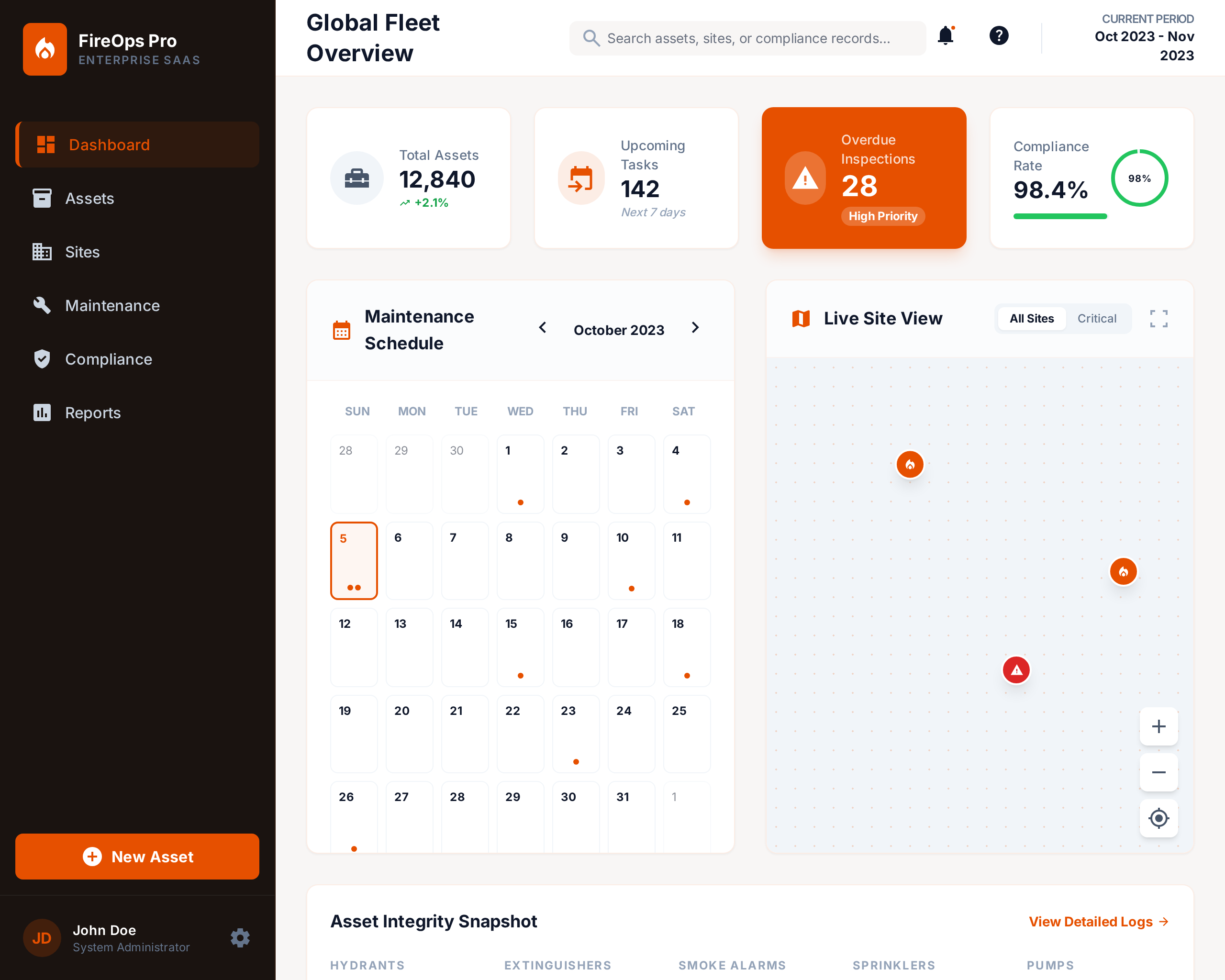
Fire Maintenance Management System
A comprehensive platform that helps fire maintenance companies organize operations, manage recurring orders, and track t...

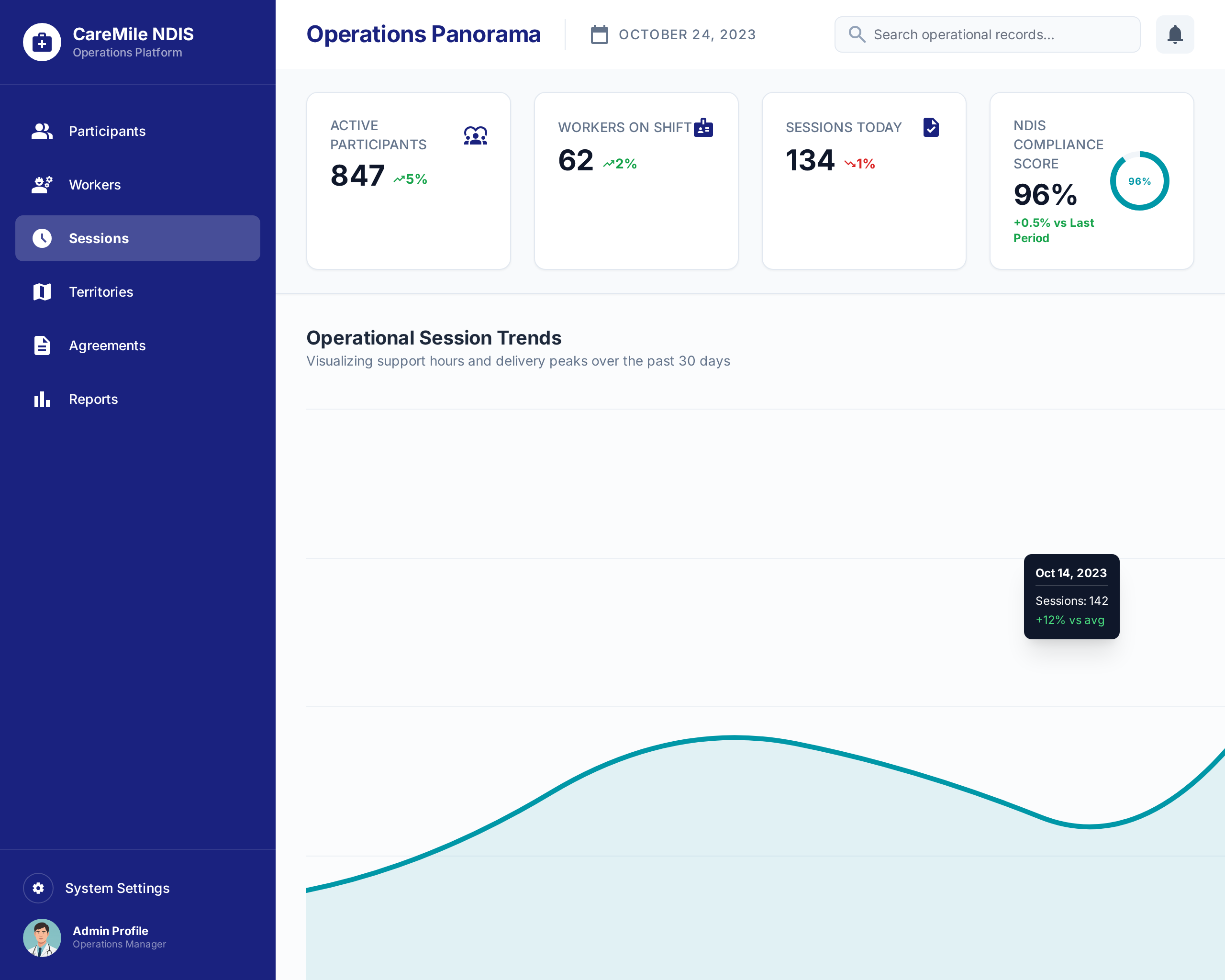
CareMile NDIS Operations Platform
A 42-module Odoo-based operations platform built for an Australian NDIS disability support provider to manage participan...
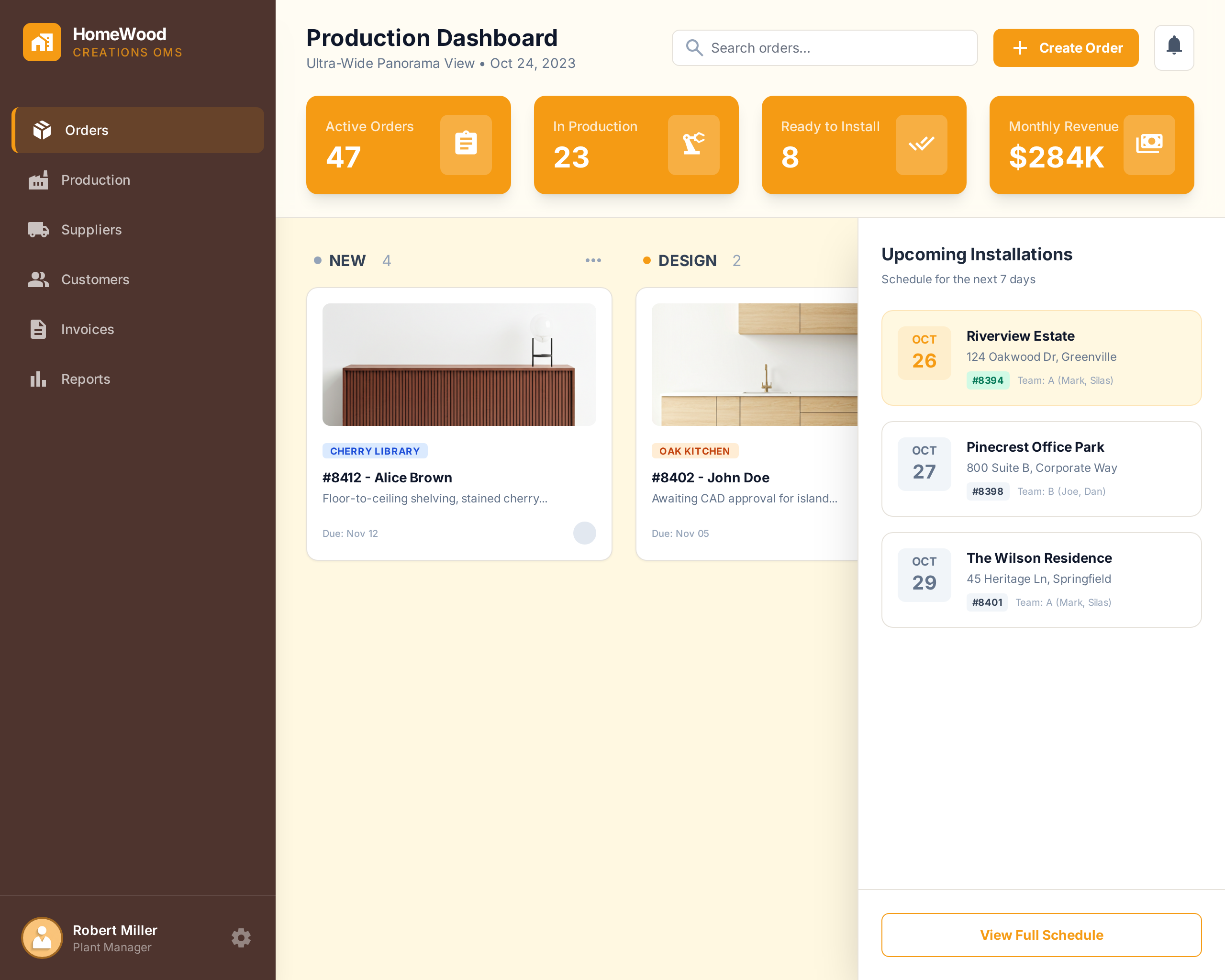
HomeWood Creations Order Management System
A two-part order management and production planning platform — cloud-based OMS and desktop factory application — built f...