

Case study
Enterprise Platform
HomeWood Creations Order Management System
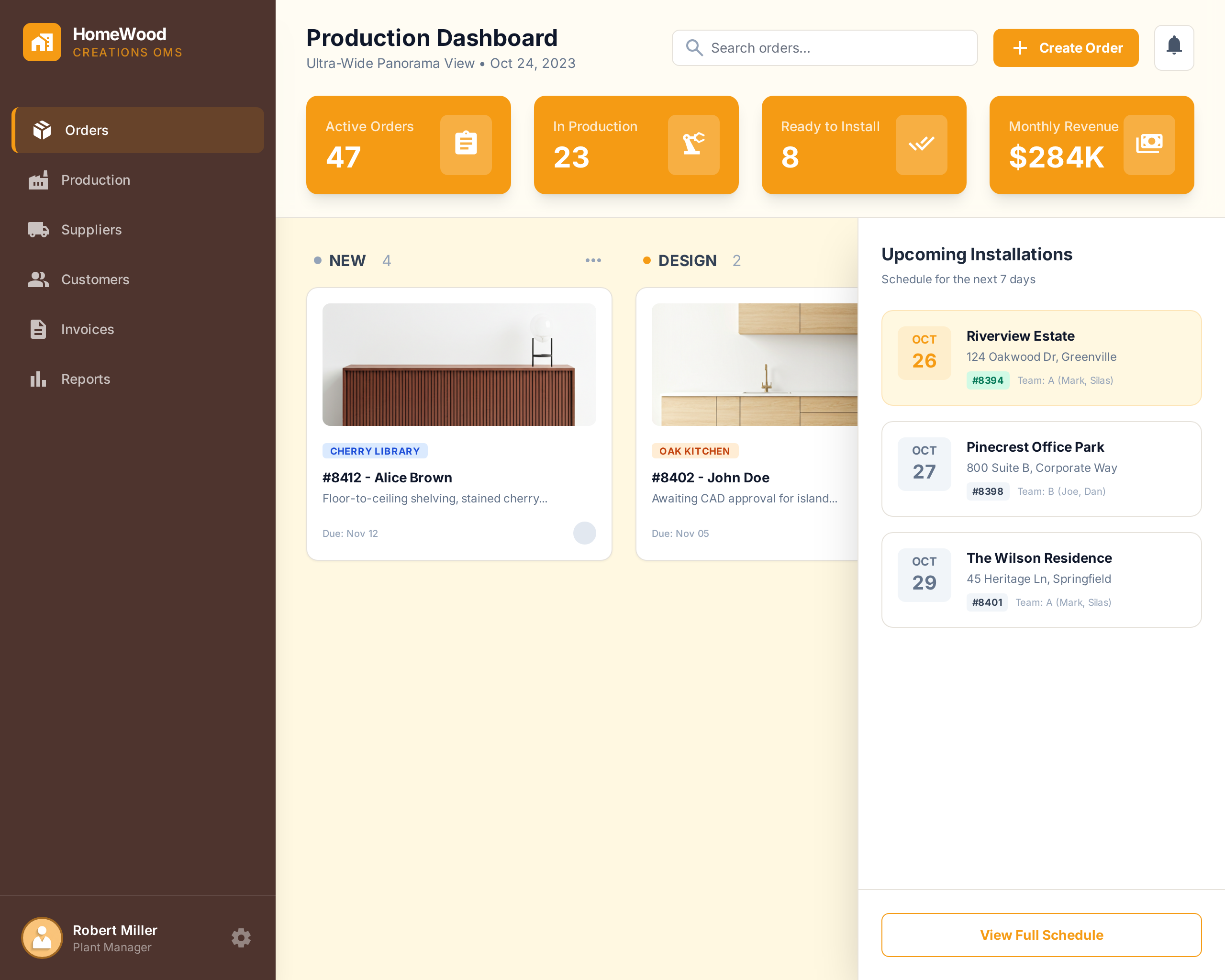
A two-part order management and production planning platform — cloud-based OMS and desktop factory application — built for a lean cabinet manufacturer in Salt Lake City to manage orders, payments, production stages, and workshop operations end to end.
At a glance
13 technologies · 4 outcomes captured below
Case Study
Enterprise Platform
Context
Enterprise Platform
Focused product scope with measurable operational and user-facing outcomes.
Technologies Used
Problem Space
The Challenge
HomeWood Creations was running on a costly third-party SaaS system that could not keep up with the complexity of custom cabinet manufacturing — from order intake and payment collection through multi-stage production tracking on the factory floor. There was no real connection between customer orders and what operators saw in the workshop, leading to delays, miscommunication, and limited visibility into production status and business performance.
Delivery Response
Our Solution
BrilliMinds built a two-part platform: a cloud-based OMS handling order creation, payments, promotions, dashboards, and reporting — and a desktop production application running inside the factory with a dynamic job board, order planning, supplier procurement, design verification, and real-time sync between the workshop floor and the cloud system.
Inside the Build
The product goals, delivery process, users, design direction, and outcome
This section walks through what the product needed to solve, how it was delivered, who it serves, and what changed after launch.
Goals
HomeWood Creations is a lean cabinet manufacturer in Salt Lake City, Utah, producing custom cabinetry through a multi-stage workshop process — from design and prefabrication through spraying, assembly, drawer installation, and final quality checks. Every order contains multiple items, each with its own production path and stage requirements. The business needed a system that connected the entire chain — from the moment a customer places an order to the moment it leaves the factory floor.
- Build a cloud-based order management system that handles the full customer-facing workflow — order creation, payment collection, promotions, email reminders, and business reporting — replacing the existing SaaS subscription at a fraction of the cost.
- Develop a desktop factory application that gives operators and planners real-time visibility into every order's production status through a dynamic, stage-based job board tailored to each item's manufacturing path.
- Keep both systems synchronized so that changes in orders, production status, planning decisions, and supplier procurement flow seamlessly between the office, the cloud, and the workshop floor.
Process
- 01
Cloud OMS development
The cloud platform was built with Vue.js and Nuxt.js on the frontend and Django on the backend, deployed on AWS. The system handles the complete order lifecycle — customers and staff can create orders, collect payments via Stripe (credit card and ACH), apply vouchers and promotional discounts, and receive automated email reminders at each stage. BrilliMinds built customized dashboards and data visualizations that give the business owner a clear picture of revenue, order volume, and operational performance — replacing the guesswork that came with the old system. Slack integration was added so staff receive real-time notifications about orders and checklists without having to live inside the OMS.
- 02
Factory desktop application
The desktop application was built in Python with PySide and runs directly in the HomeWood workshop. The job board is the core of the factory experience — a dynamic, multi-stage production view where operators see orders flowing through states like ready for prefabrication, fabrication in progress, ready for spray, spraying in progress, ready for production, production in progress, waiting for drawer installation, and so on until completion. The stages are fully dynamic — each item inside an order follows its own path based on what it requires. The order planner module lets planners review incoming orders, prepare required designs, run verification stages, generate intermediate production files, and submit purchase requests to registered suppliers with delivery dates based on order priority. Internal messaging between the desktop app runs over MQTT with a Mosquitto broker, and a local database backup syncs with the cloud OMS to ensure continuity even if the network drops.
- 03
Migration, sync, and stabilization
RabbitMQ handles message queuing between the cloud OMS and the factory application, ensuring production updates, order changes, and planning decisions propagate reliably in both directions. The data layer bridges MySQL and Access DB on the factory side with the cloud PostgreSQL database, with conflict resolution and sync validation built into the pipeline. BrilliMinds managed the full migration from the old SaaS system — transferring historical order data, training the HomeWood team on both platforms, and providing ongoing technical support to address issues as they arose in production use. OpenCV was integrated for specific production verification tasks requiring image processing.
Product Users
Customers interact with the cloud OMS to place custom cabinet orders, make payments, apply vouchers, and track their order status. Office staff use the same system to create orders on behalf of customers, manage payment collection, send reminders, and monitor the production pipeline from the business side.
On the factory floor, operators work with the desktop job board throughout the day — picking up items at their current stage, updating status as work progresses, and passing items to the next stage. Planners use the order planning module to review designs, verify production readiness, generate manufacturing files, and coordinate supplier procurement. The business owner relies on the dashboards and reporting layer to monitor revenue, identify bottlenecks, and make informed decisions about capacity and performance.
Design Direction
The cloud OMS follows a clean, business-tool aesthetic — structured order forms, clear payment flows, status timelines, and data-rich dashboards with charts and KPIs. The interface was designed so that both customers placing orders and staff managing them encounter a straightforward, guided experience with minimal friction. The reporting dashboards use data visualization techniques that present revenue, order trends, and production metrics in a way the business owner can read at a glance.
The factory desktop application prioritizes speed and clarity under workshop conditions. The job board uses a Kanban-style stage layout with bold status columns, color-coded item cards, and drag-or-click progression so operators can update production status in seconds without leaving their workstation. The order planner interface is denser — supporting design review, file generation, supplier selection, and priority scheduling — but still structured around a linear workflow so planners move through each order step by step. Both applications share a consistent visual language for order and status representation, so switching between cloud and factory views feels familiar.
Outcome
The delivered platform replaced HomeWood Creations' previous SaaS system entirely, saving thousands of dollars per month while delivering significantly better functionality tailored to their exact manufacturing workflow. The cloud OMS handles the full customer and business lifecycle — orders, payments, promotions, notifications, and reporting — while the factory desktop application gives the workshop floor a real-time, stage-by-stage production system that adapts to each order's unique requirements. Real-time synchronization between both systems via RabbitMQ and MQTT means that a status change on the factory floor is immediately visible in the cloud, and a new order placed online flows straight into the planner's queue. The business owner now has complete visibility from customer intake to final production, backed by dashboards and reports that support data-driven decision-making.
Visual Support
Project Gallery
Supporting visuals for the delivery. Missing or invalid asset paths are filtered before rendering so only available mockups appear.
Measured impact
Results & Impact
Outcomes we track with clients—numbers where they matter, clarity everywhere else.
Replaced expensive SaaS subscription saving thousands of dollars per month
End-to-end order lifecycle from customer intake to installation tracking
Real-time production sync between cloud OMS and factory floor application
Dynamic multi-stage job board adapting to each order's unique item requirements
Have a similar project?
Contact usMore Projects
View all projects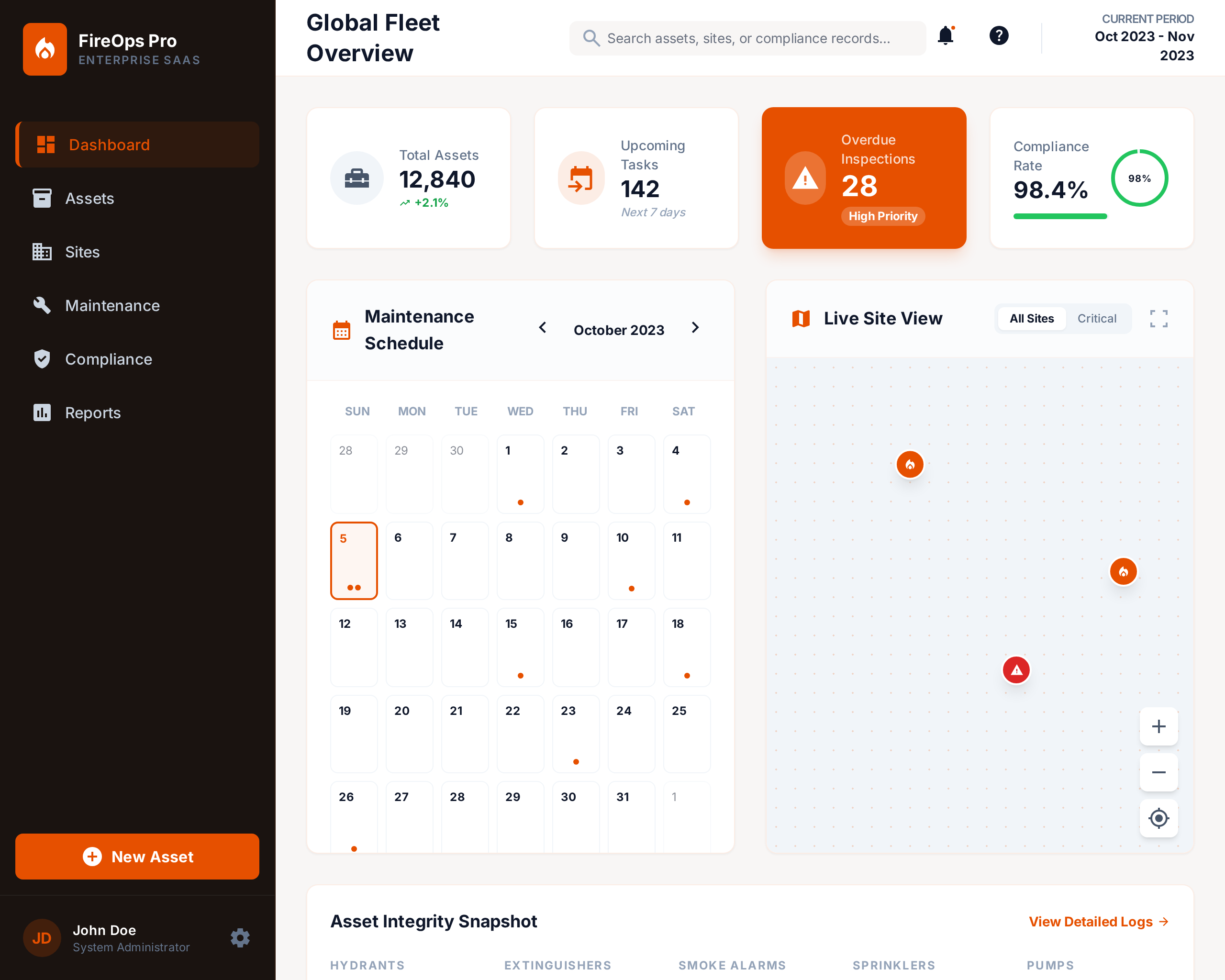
Fire Maintenance Management System
A comprehensive platform that helps fire maintenance companies organize operations, manage recurring orders, and track t...

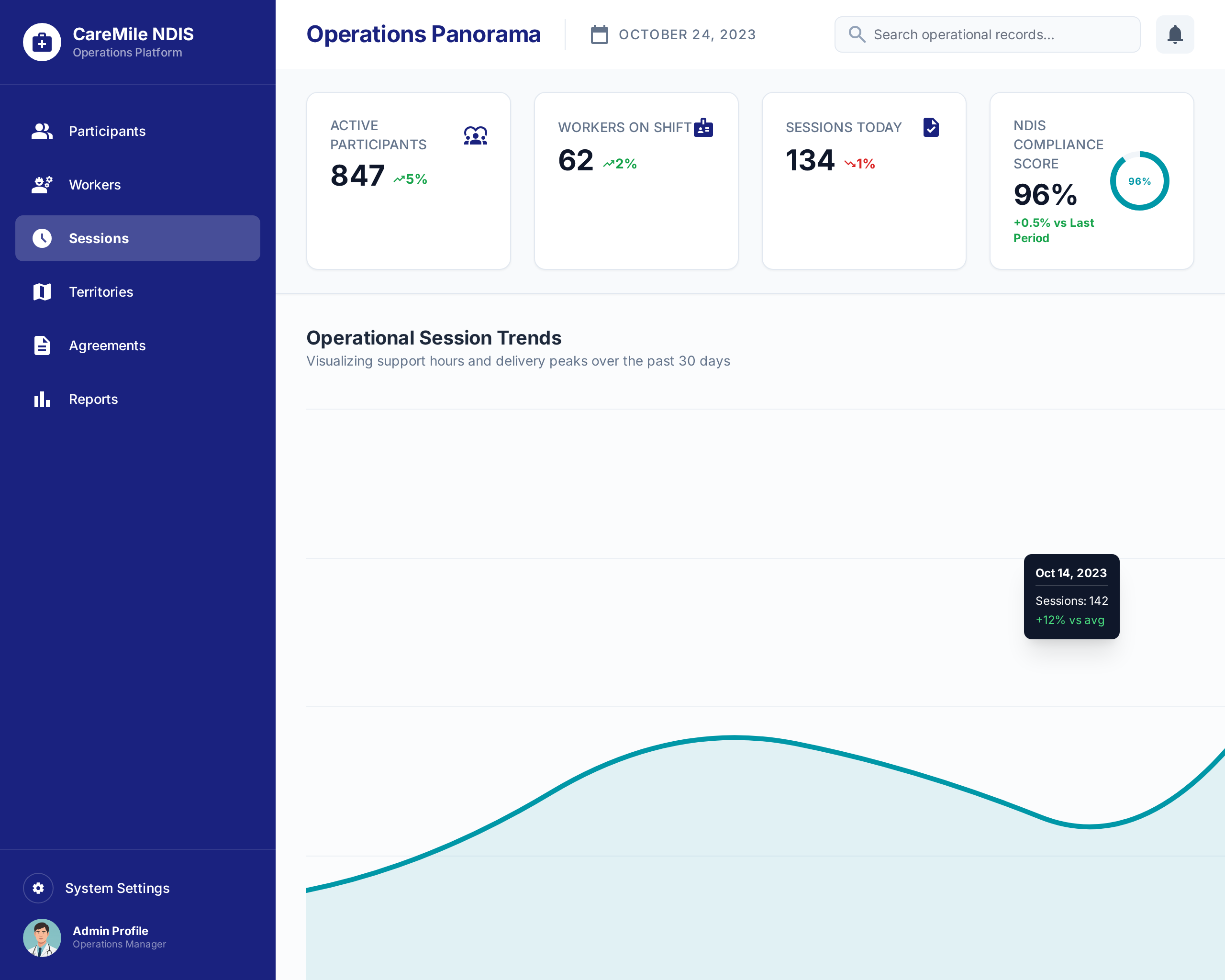
CareMile NDIS Operations Platform
A 42-module Odoo-based operations platform built for an Australian NDIS disability support provider to manage participan...
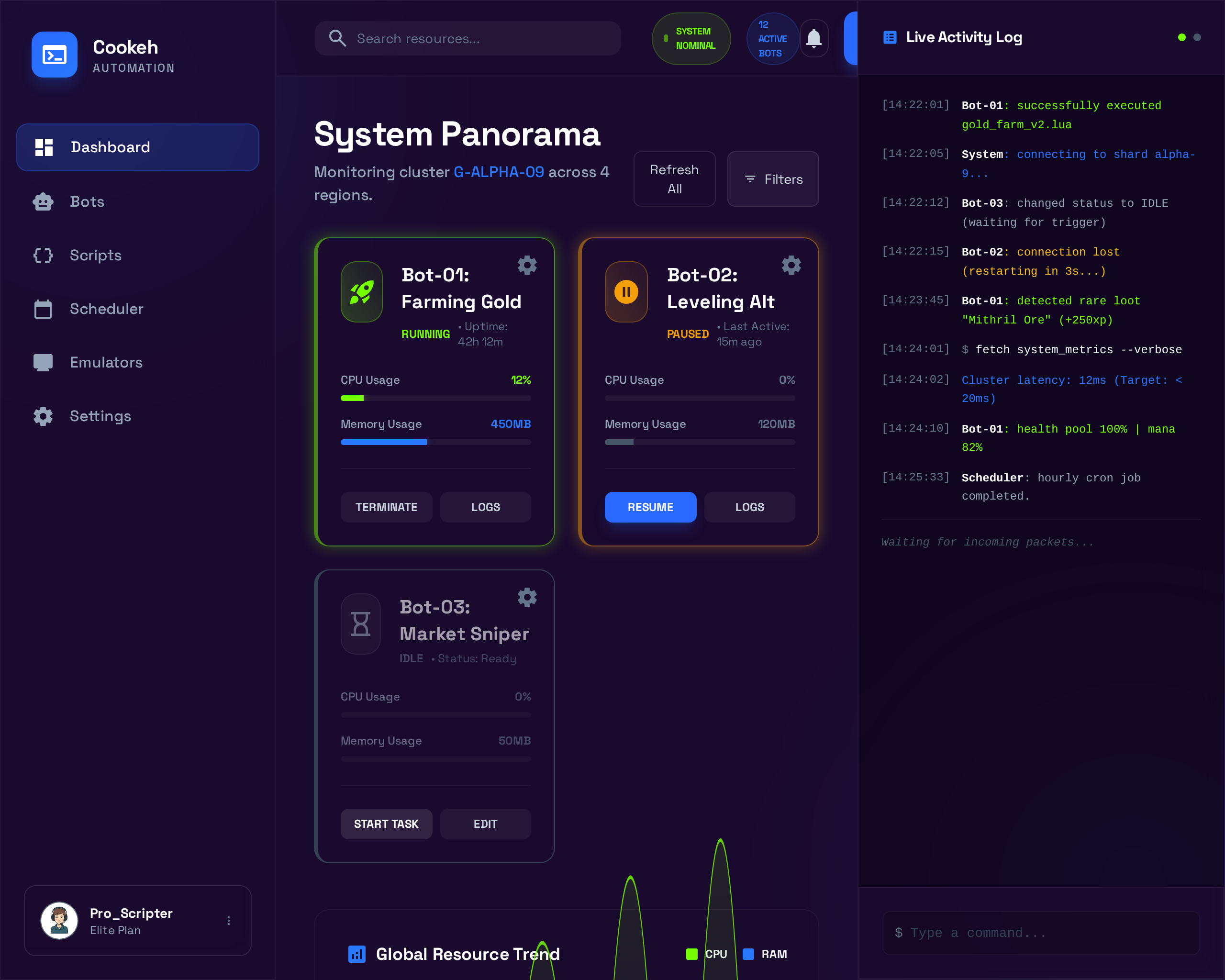
Cookeh Gaming Automation Platform
A Windows desktop application that emulates Android mobile games and automates in-game processes like resource farming a...