

Case study
SaaS Platform
Fire Maintenance Management System
A comprehensive platform that helps fire maintenance companies organize operations, manage recurring orders, and track the full lifecycle of every asset they are responsible for.
At a glance
6 technologies · 4 outcomes captured below
Case Study
SaaS Platform
Context
SaaS Platform
Focused product scope with measurable operational and user-facing outcomes.
Technologies Used
Problem Space
The Challenge
Fire maintenance companies relied on manual tracking and disconnected tools to manage inspections, service schedules, and asset records — leading to missed maintenance windows, compliance gaps, and zero visibility into asset health across client sites.
Delivery Response
Our Solution
BrilliMinds designed and built a full-stack SaaS platform with a web dashboard for back-office teams and a mobile app for field technicians, enabling end-to-end management of work orders, recurring schedules, and brand-specific asset lifecycle tracking — all backed by automated alerts and real-time status updates.
Inside the Build
The product goals, delivery process, users, design direction, and outcome
This section walks through what the product needed to solve, how it was delivered, who it serves, and what changed after launch.
Goals
Fire maintenance companies need to guarantee that every asset under their responsibility — extinguishers, alarms, sprinkler systems, emergency lighting — is inspected, serviced, and replaced on time. The product needed to replace fragmented manual workflows with a single system that covers the full operation.
- Give maintenance companies full visibility into every asset's status, location, and upcoming service dates across all client sites.
- Automate recurring work orders and replacement schedules based on each asset's brand and compliance requirements.
- Equip field technicians with a mobile tool that lets them receive assignments, update asset records, and report issues on-site in real time.
Process
- 01
Discovery and system design
BrilliMinds began with a deep discovery phase to map the end-to-end workflow of fire maintenance operations — from client onboarding and site surveys through scheduled inspections, emergency call-outs, and asset decommissioning. Every user role was defined, complete user flows were designed, and the full UX/UI was created in Figma before any code was written. The multi-tenant architecture was planned from the start so each maintenance company operates in its own isolated workspace.
- 02
Platform and mobile development
The web platform was built with React for the management dashboard and Django as the backend API layer, with PostgreSQL handling relational data for assets, orders, schedules, and client records. AWS infrastructure was configured for scalability and reliability — including S3 for document and image storage, RDS for the database, and EC2/ECS for application hosting. In parallel, the Flutter-based mobile app was developed for field technicians, supporting offline-capable inspections, asset barcode/QR lookups, photo capture, and real-time order updates synced back to the main platform.
- 03
Testing and rollout
The platform went through structured QA covering the full lifecycle of an asset — from registration through multiple recurring service cycles to eventual replacement. Edge cases around scheduling conflicts, overdue inspections, and technician reassignment were tested thoroughly. The mobile app was field-tested with real maintenance crews to validate usability under actual working conditions. Performance tuning on AWS ensured the system handled growing asset volumes without degradation.
Product Users
The platform serves multiple user types within a fire maintenance operation. Company administrators use the web dashboard to manage client accounts, define service contracts, configure asset types with brand-specific maintenance intervals, and monitor compliance status across all sites. Dispatchers and coordinators create and assign work orders, manage recurring schedules, and track technician availability.
Field technicians use the Flutter mobile app as their primary tool — receiving assignments, navigating to sites, scanning asset tags, recording inspection results, uploading photos, and marking orders complete. Client contacts (building owners or facility managers) receive reports and can track the maintenance status of assets at their properties.
Design Direction
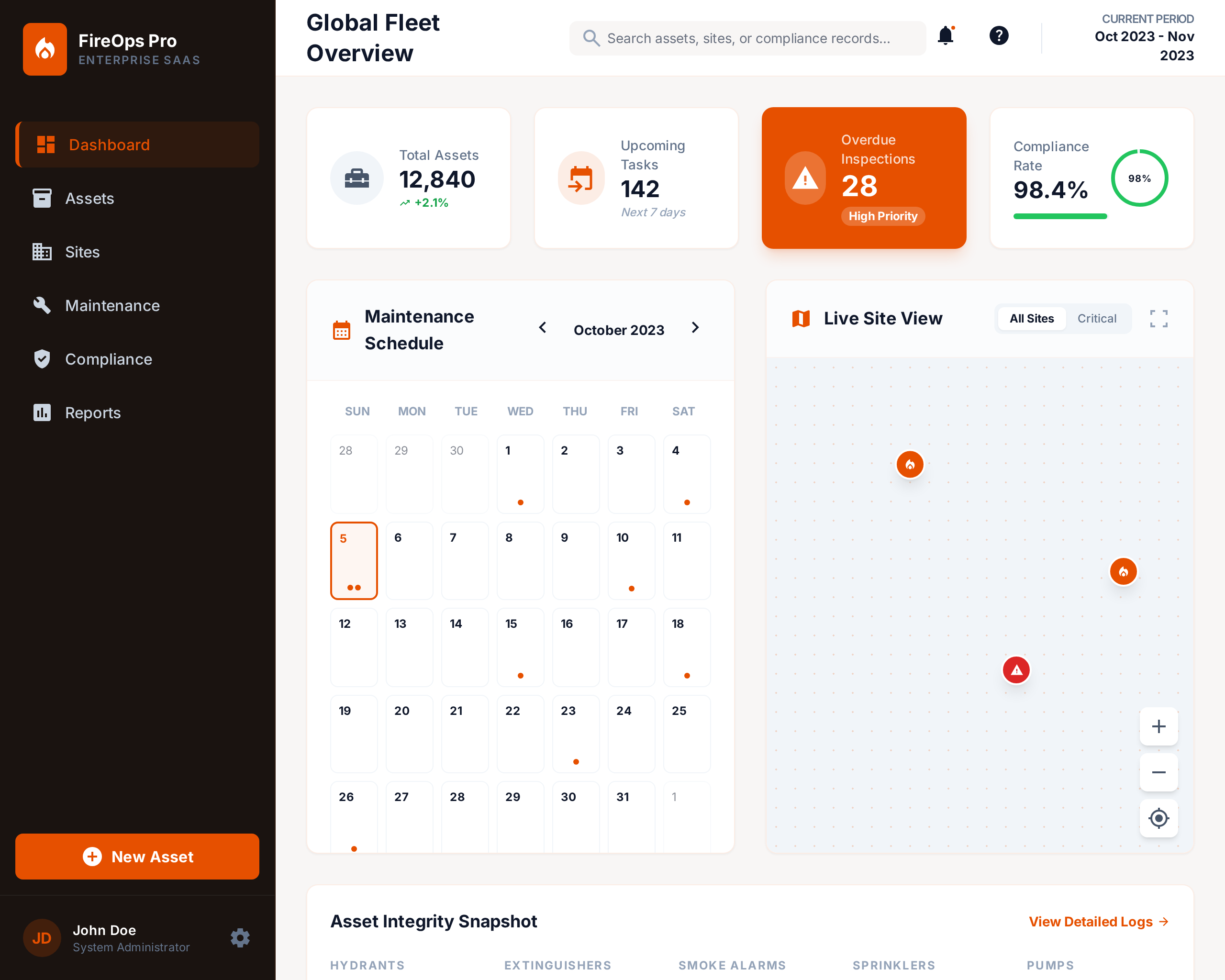
The design was driven by two very different contexts: office teams working on large screens with dense data, and technicians working on phones in the field — often in basements, rooftops, or mechanical rooms. The web dashboard prioritizes information density, with clear status indicators, filterable asset tables, calendar views for scheduling, and at-a-glance compliance summaries. Color-coded urgency levels make overdue and upcoming tasks immediately visible.
The mobile app was designed for speed and simplicity — large tap targets, minimal navigation depth, and a task-first layout so technicians can complete an inspection in as few steps as possible. Offline support ensures work continues even in areas with poor connectivity, with automatic sync when the connection is restored.
Outcome
The finished product is a fully operational SaaS platform that gives fire maintenance companies a single system to manage their entire operation — from asset registration and brand-specific lifecycle rules through automated recurring schedules, technician dispatch, and compliance reporting. The mobile app transformed how field crews work, replacing paper checklists and phone calls with real-time digital workflows. With complete asset lifecycle tracking, automated scheduling based on brand specifications, and full compliance visibility across all managed sites, maintenance companies now operate with significantly less manual overhead and far fewer missed service windows.
Visual Support
Project Gallery
Supporting visuals for the delivery. Missing or invalid asset paths are filtered before rendering so only available mockups appear.
Measured impact
Results & Impact
Outcomes we track with clients—numbers where they matter, clarity everywhere else.
Complete asset lifecycle tracking from installation to replacement
Automated recurring maintenance scheduling based on brand specifications
Real-time field-to-office synchronization via mobile app
Full compliance visibility across all managed sites
Have a similar project?
Contact usMore Projects
View all projects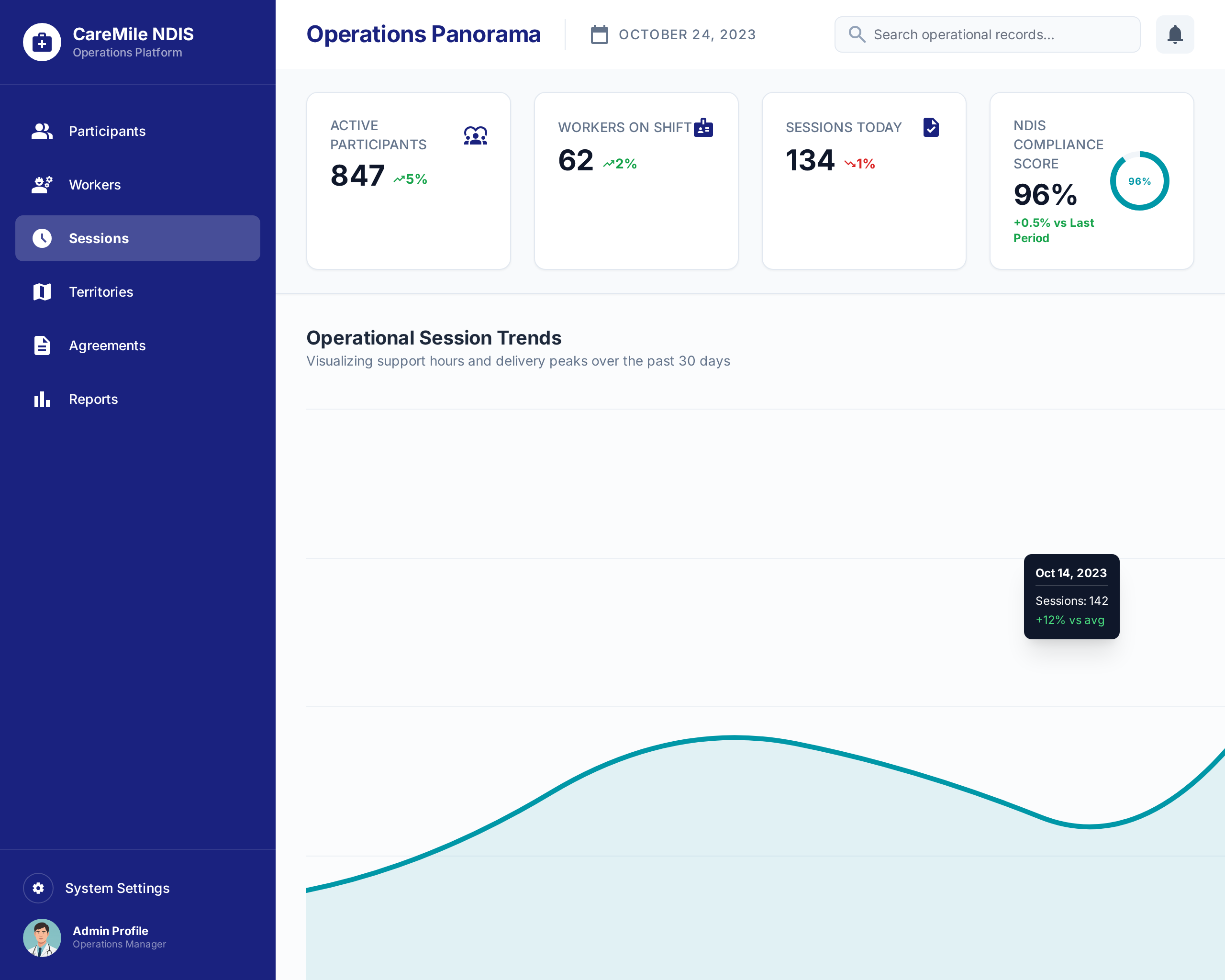
CareMile NDIS Operations Platform
A 42-module Odoo-based operations platform built for an Australian NDIS disability support provider to manage participan...

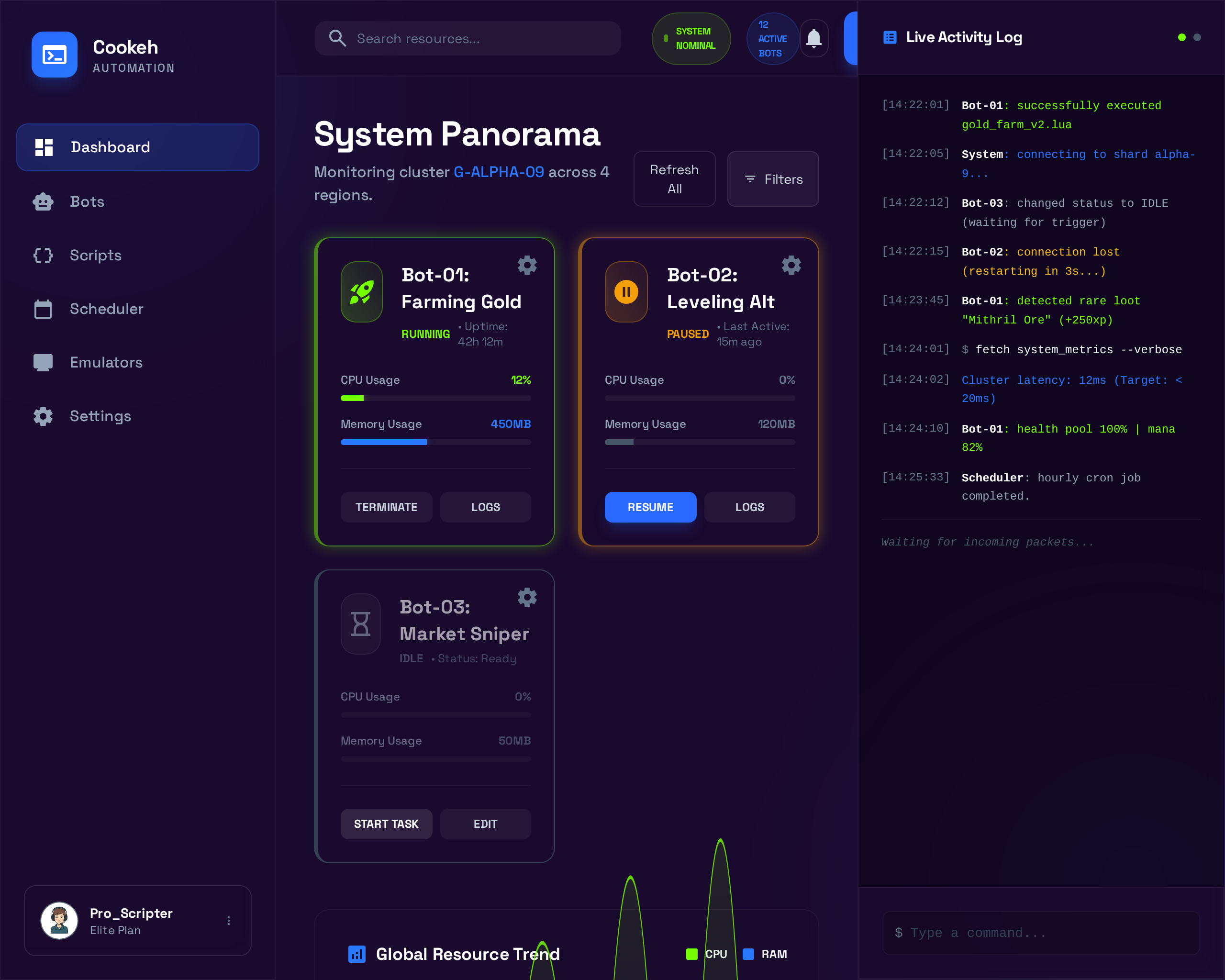
Cookeh Gaming Automation Platform
A Windows desktop application that emulates Android mobile games and automates in-game processes like resource farming a...
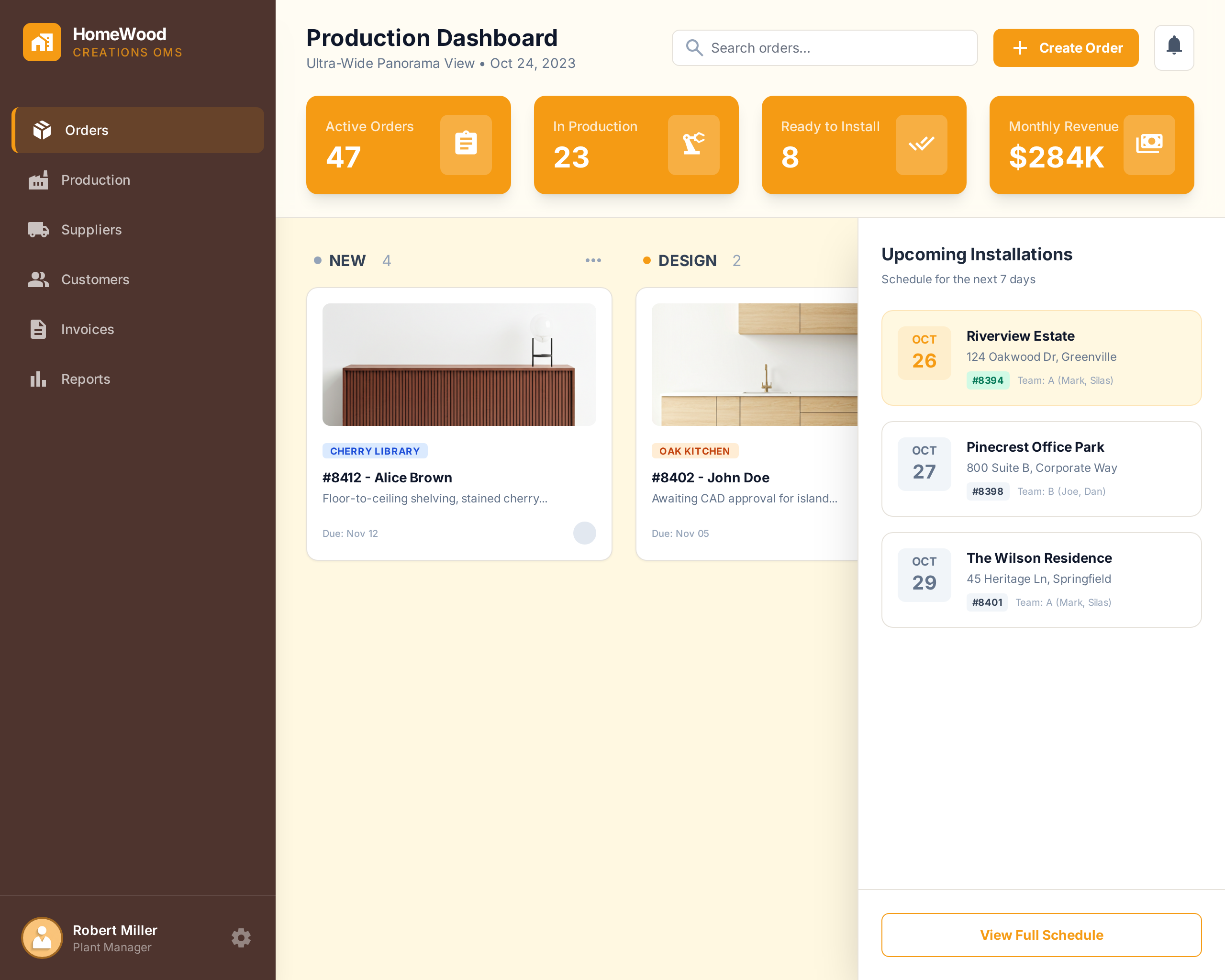
HomeWood Creations Order Management System
A two-part order management and production planning platform — cloud-based OMS and desktop factory application — built f...